

Prerequisites
- Docker Desktop
- uv (Python package manager)
- OpenAI API key
- Railway account (free tier works)
- Install Railway CLI:
Step-by-Step Guide
Create project codebase from template
Pal
Personal assistant that learns from you. Stores notes, bookmarks, and
research findings.
Knowledge Agent
RAG agent that answers questions from your documents. Pre-loaded with Agno
docs.
MCP Agent
Connects to external tools via MCP. Extensible with any MCP-compatible
service.
Login and deploy to Railway
Get your domain
my-agentos.up.railway.app). Navigate to <railway-domain>/docs to see your AgentOS API.Connect to your AgentOS Control Plane
- Go to os.agno.com
- Click “Connect OS” → Select “Live”
- Paste your Railway domain
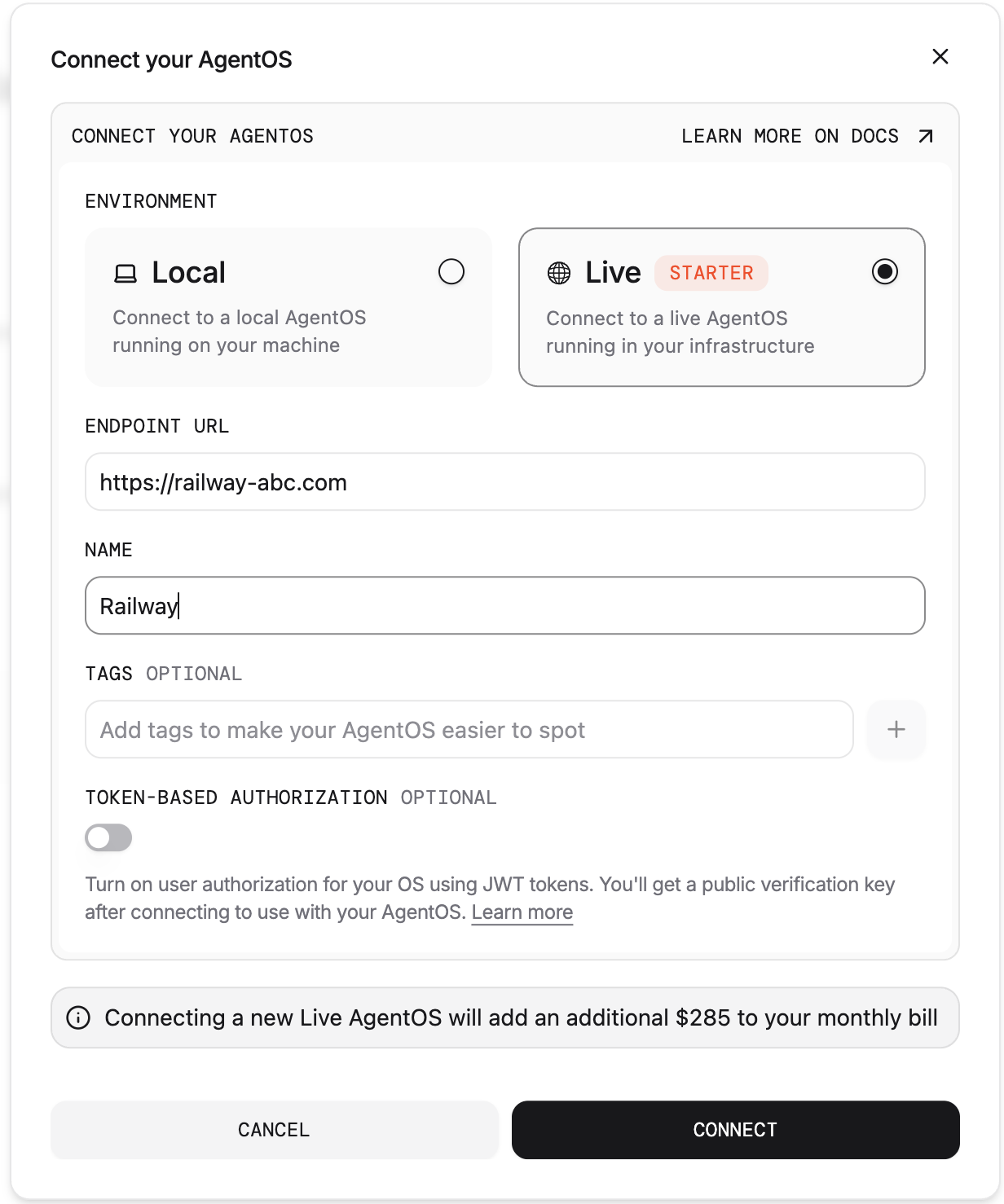
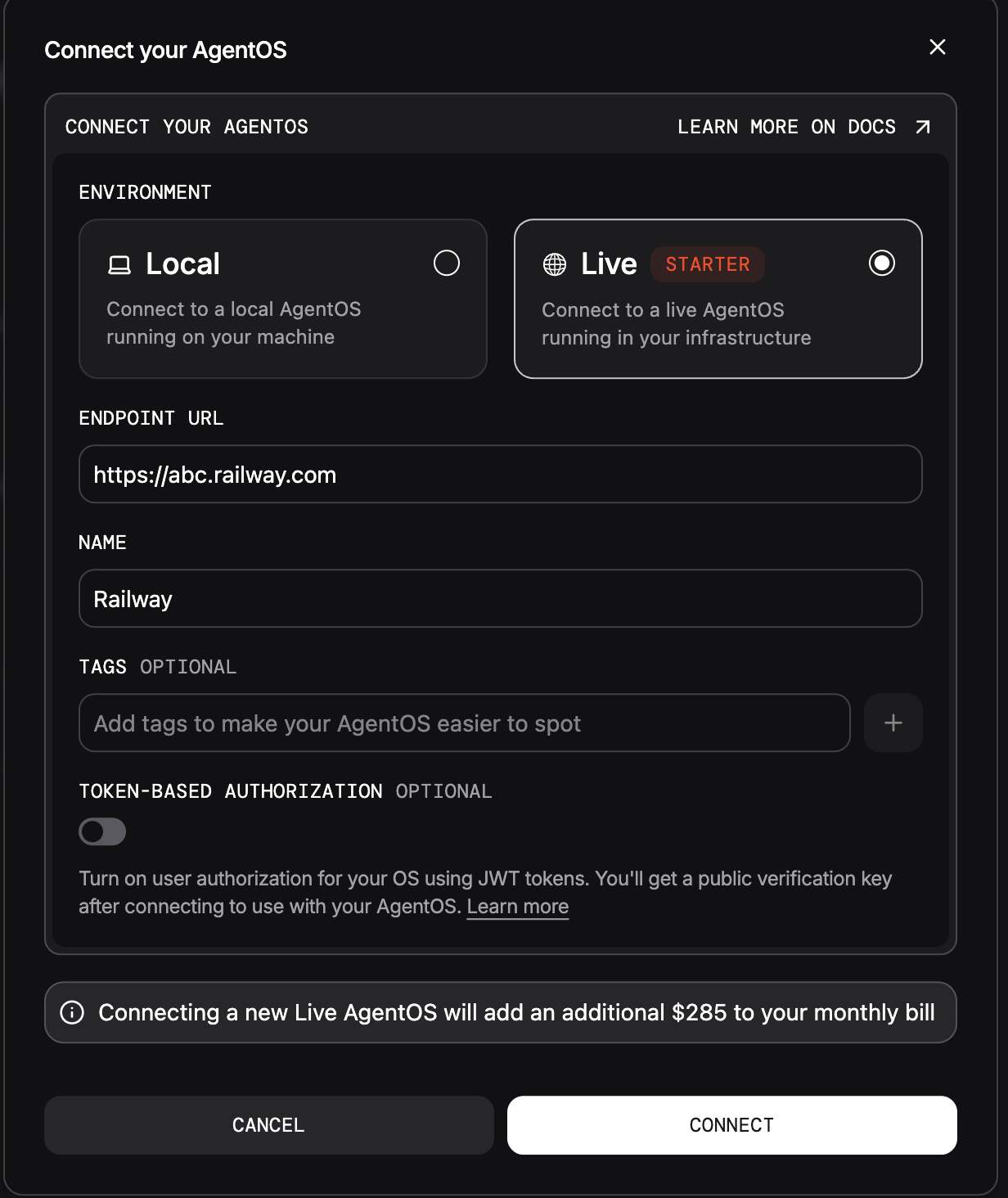
Your AgentOS is live on Railway! Manage it from os.agno.com
Tips
Customizing Template
Customizing Template
You can customize the agents included in the template codebase with additional capabilities.
Manage AgentOS on Railway
Manage AgentOS on Railway
| Task | Command |
|---|---|
| Deploy updates | railway up --service agent_os -d |
| View logs | railway logs --service agent_os |
| Open dashboard | railway open |
| Set env variable | railway variables set KEY=value |
| Stop service | railway down --service agent_os |
| Scale replicas | Edit railway.json: {"deploy": {"numReplicas": 2}} |
| Switch model | railway variables set ANTHROPIC_API_KEY=sk-ant-*** |
Troubleshooting
'railway: command not found'
'railway: command not found'
Install:
brew install railway (Mac) or npm install -g @railway/cliDeployment fails
Deployment fails
Run
railway init first, then ./scripts/railway_up.sh again.Database timeout
Database timeout
PostgreSQL takes ~30s. Check:
railway logs --service pgvector502 error
502 error
Container starting. Wait 1-2 min. Check:
railway logs --service agent_os